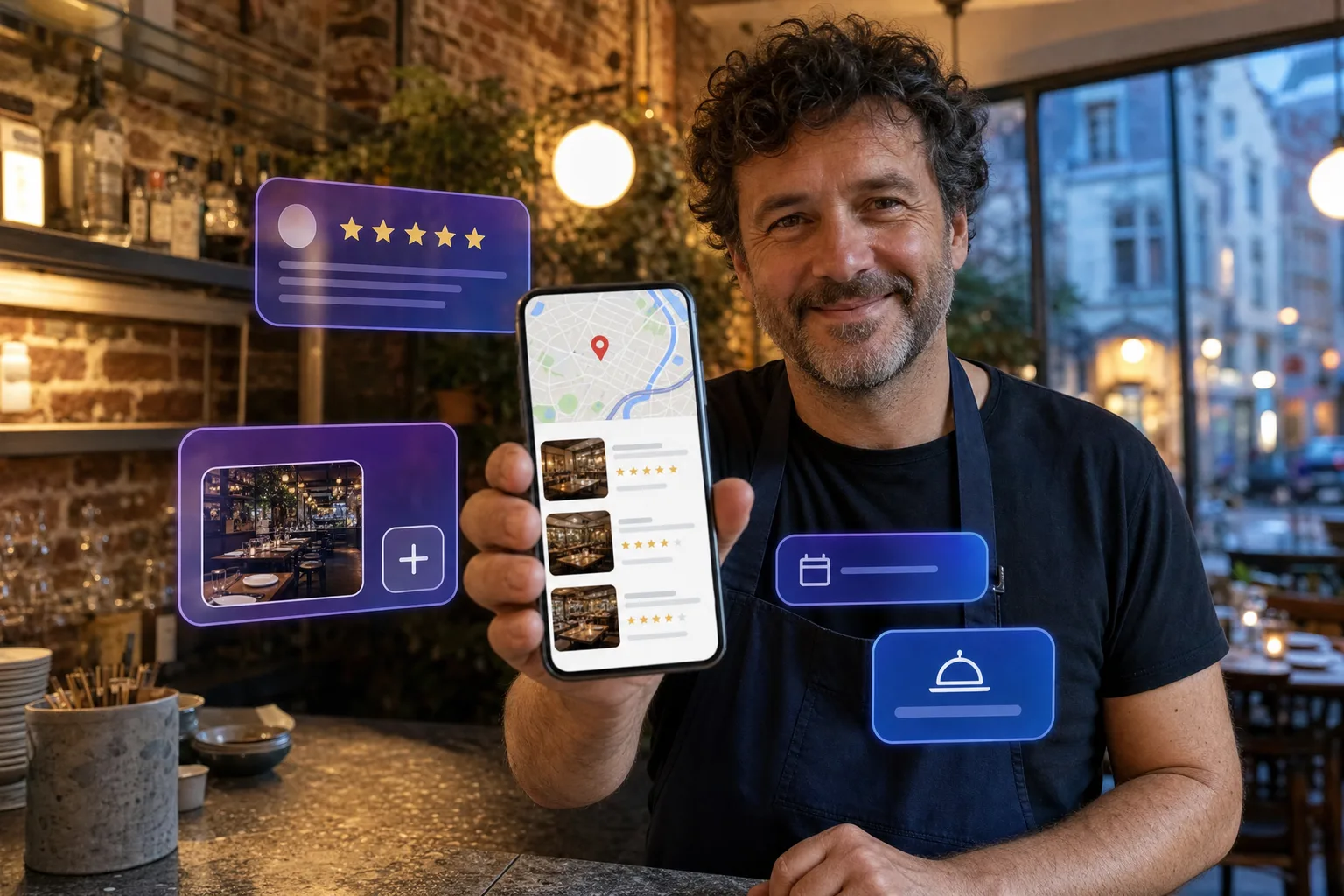
Type “Italian restaurant” into Google from your phone, in Ixelles or Schaerbeek. Before any website, before any article, Google shows a map and three addresses. That is the local pack. The three restaurants in it get most of the calls, directions and bookings. The others exist, but nobody sees them.
The good news is that Google does not pick those three at random. It looks at your Google Business Profile, and that profile is under your control. What follows is the list of settings we check every time we take over a Brussels restaurant’s listing. No theory, only what has an effect.
How Google ranks listings
Google says it itself: three criteria. Relevance (does your listing match what the person is looking for?), distance (how far are you from where they are searching?) and prominence (how many people talk about you, positively, and for how long?). You can do nothing about distance. Everything else can be worked on.
1. The primary category, before anything else
This is the setting that weighs the most, and the one most often done badly. “Restaurant” on its own is a catch-all. If you serve ramen, the primary category must be “Ramen restaurant”. If you are a brasserie, “Brasserie”. Google offers hundreds of precise categories: take the most precise one that describes your menu, then add the others as secondary categories (bar, caterer, takeaway…).
To check: look at the three restaurants that come up today on the search you are targeting. Their primary category appears under their name. If it is more precise than yours, you know why they are ahead.
2. The name, with no added keywords
It is tempting to write “Chez Marco · Pizzeria Ixelles delivery”. Google forbids it, and suspends listings for it. The listing name must be the name on your shopfront, nothing else. Keywords go elsewhere: in the category, the description, the products, the reviews.
3. Address and phone, written the same everywhere
Google cross-checks your listing against your website, Facebook, Instagram, directories and booking sites. If your street is “Av. Louise” here and “Avenue Louise” there, or an old phone number lingers on a directory, trust drops. Choose one way of writing your name, address and number, and correct it everywhere, including on directories you never created yourself.
4. Opening hours, public holidays included
A listing with wrong or incomplete hours slips, because Google gets signals from people who turned up at a closed door. Fill in regular hours, special hours (Belgian public holidays, annual closure, all-day service at weekends) and, if you have them, separate service hours (breakfast, brunch, late kitchen). Update them before the holidays, not after.
5. The description, written for a human
You have 750 characters. Say what you serve, in which neighbourhood, for which occasion, and what sets you apart. Write it the way you would answer someone asking “what is your restaurant?”. No keyword list, no promotion, no link: Google does not accept them and nobody reads them. The words people actually type (the type of cuisine, the neighbourhood, “terrace”, “brunch”, “vegetarian”) should be in there naturally.
6. Attributes, ticked one by one
Terrace, wheelchair accessible, pets allowed, vegan options, reservations, contactless payment, wifi, dogs allowed on the terrace. These boxes look trivial; they are filters. When someone searches “restaurant terrace” or “vegetarian brunch”, Google only shows listings that ticked the box. Go through the whole list, and tick only what is true.
7. The menu, inside Google and not only as a PDF
Google lets you enter your menu dish by dish, with prices and descriptions, or link to an online menu. Do both. An entered menu makes your listing relevant for dish searches (“beef tartare”, “tonkotsu ramen”) that your competitors are not targeting. A scanned PDF is useless: Google does not read it, and nobody zooms into it from a phone.
8. Photos, at a regular pace
Google favours listings that live. A listing with fifty photos added in 2023 and nothing since sends the opposite signal. Add a few photos a week: the dishes of the moment, the room during service, the terrace in the sun, the team. Phone photos, natural light, no heavy filter, landscape for the cover and square or portrait for dishes. And name your files before uploading: “tonkotsu-ramen-ixelles.jpg” beats “IMG_4821.jpg”.
Choose your cover photo and logo yourself, too. Otherwise Google picks whichever it likes, often a blurry customer photo of the front.
9. Reviews: ask for them, and answer every one
This is the strongest prominence lever, and the only one that depends on a habit rather than a setting. Three things count: the number of reviews, the rating, and freshness. A 4.6 with reviews from last week beats a 4.9 whose last review is a year old.
- Create your short review link (it is in your Google dashboard) and put it as a QR code on the bill, the receipt or the table stand.
- Ask at the right moment: at the end of a service that went well, in the room, by a person. A spoken request converts far better than an email.
- Answer every review, positive or negative, within 48 hours, and sign it. Google sees it, and future customers read your replies to negative reviews first.
- Never have reviews written by friends or review-buying services. Google detects them, and a suspended listing takes weeks to come back.
Useful detail: the words used in reviews count for relevance. A customer who writes “best brunch in Saint-Gilles” helps you show up for “brunch Saint-Gilles”. You cannot dictate reviews, but you can steer the question: “what did you enjoy?” rather than “give us five stars”.
10. The Book button, connected to your real system
Google shows a booking button directly in the local pack if your listing is linked to a booking partner. A listing with a button gets bookings without the person ever opening your website. If you use a booking tool, check it is connected; if you have none, a link to a WhatsApp conversation or to your form is better than nothing.
11. Google posts, once a week
Posts (Updates, Offers, Events) appear on your listing and stay visible for a few weeks. They do not directly lift your ranking, but they do two things: they prove to Google that the listing is maintained, and they give a reason to choose you at the moment the person is comparing three addresses. One photo, three lines, one button. The dish of the week, Sunday brunch, the terrace reopening. Five minutes, every week.
12. The Q&A section, filled in by you
Every listing has a “Questions and answers” section that anyone can fill in, including anyone other than you. Get there first: ask the five questions you get every day yourself (parking, group bookings, gluten-free options, dogs, heated terrace) and answer them from the business account. Google displays them, and they save you pointless calls.
And the website in all this?
Your listing links to your website, and Google reads that site to confirm what the listing claims. A site with the same name, address, phone number and menu, and a page per neighbourhood or speciality, strengthens the listing. A generic showcase site untouched for three years does not help it. The two must tell the same story.
The local pack does not reward the best restaurant. It rewards the most complete, most accurate and most alive listing.
Where to start
If you only do three things this week: fix your primary category, tick every true attribute, and put the review QR code on your tables. Those are the three settings that move fastest. The rest falls into place over a month, a few minutes a day.
Want to know where your listing stands against the three restaurants showing ahead of you? Send us its name: we will give you an honest assessment, no strings attached, and tell you what is holding it back.